
AI co-pilot for Postgres
Ask in plain English and get PostgreSQL that references your real tables and columns.
A native Mac app for PostgreSQL, with an AI co-pilot that writes SQL against your real schema. Explore, query, and edit your Postgres data without leaving the keyboard.
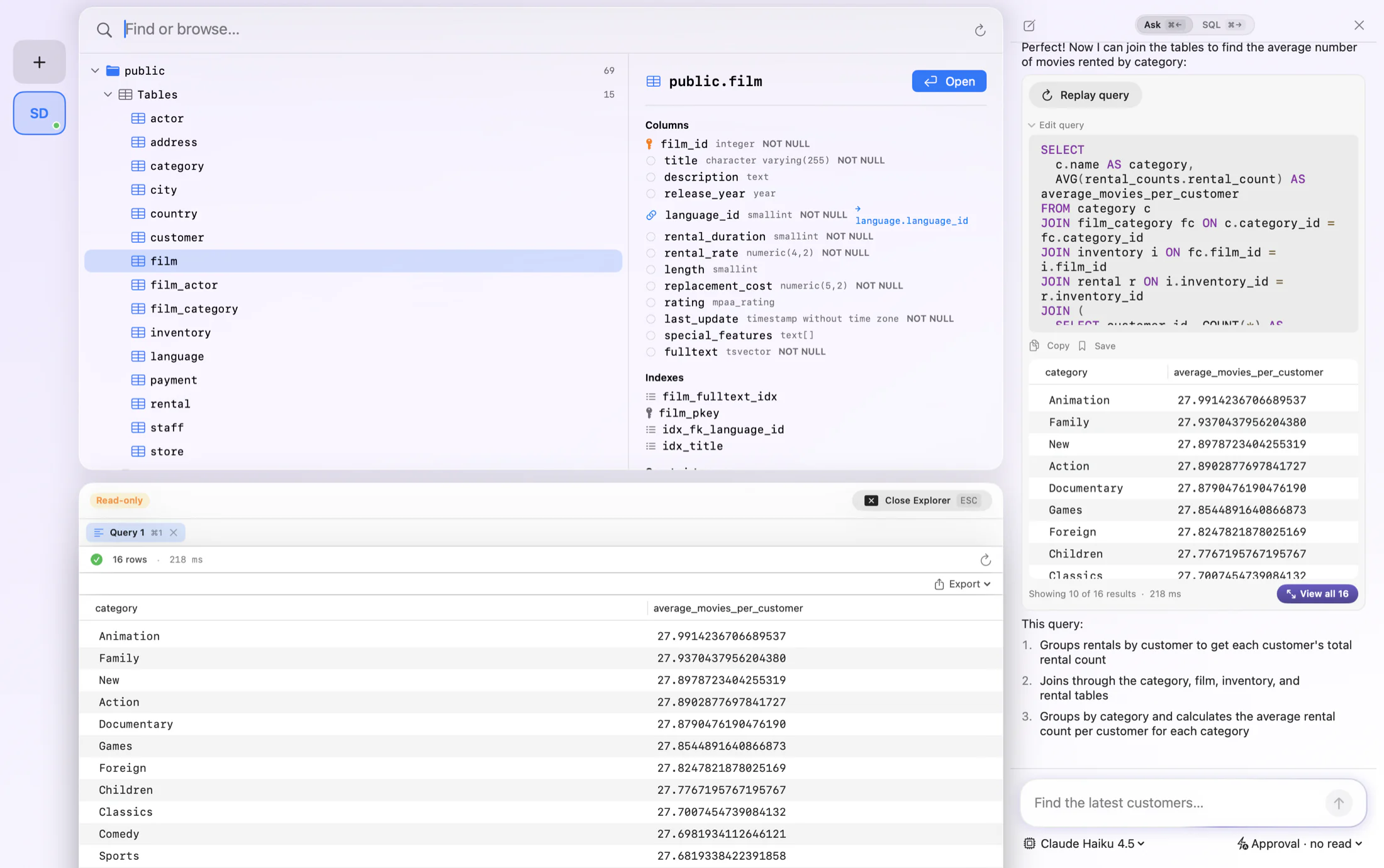
FluentDB is built for PostgreSQL first. It reads your schema, understands your tables, indexes, and constraints, and gives you a fast, native Mac GUI for working with them. No Electron, no clutter, just a quick, focused Postgres client.
Ask a question in plain English and FluentDB writes the SQL against your real schema, shows you the query before it runs, and explains what it does. It handles the parts of Postgres that other clients gloss over, from JSONB and arrays to full-text search and multiple schemas.
Ask in plain English and get PostgreSQL that references your real tables and columns.
Autocomplete for your Postgres tables, columns, and joins, with highlighting and one-key formatting.
Edit rows in place, insert new ones, and commit changes back to Postgres from the grid.
JSONB, arrays, enums, and full-text search render cleanly, not as raw blobs.
Flip a connection to read-only, or require manual approval before any statement runs.
Reach a Postgres database behind an SSH tunnel or bastion host.
FluentDB speaks PostgreSQL natively. Here is some of what that looks like in practice.
Most Postgres tools bolt AI on as an afterthought. FluentDB was built around it. Connect, then simply ask. It studies your schema and turns everyday language into PostgreSQL that runs against your real tables, so the tedious parts write themselves.
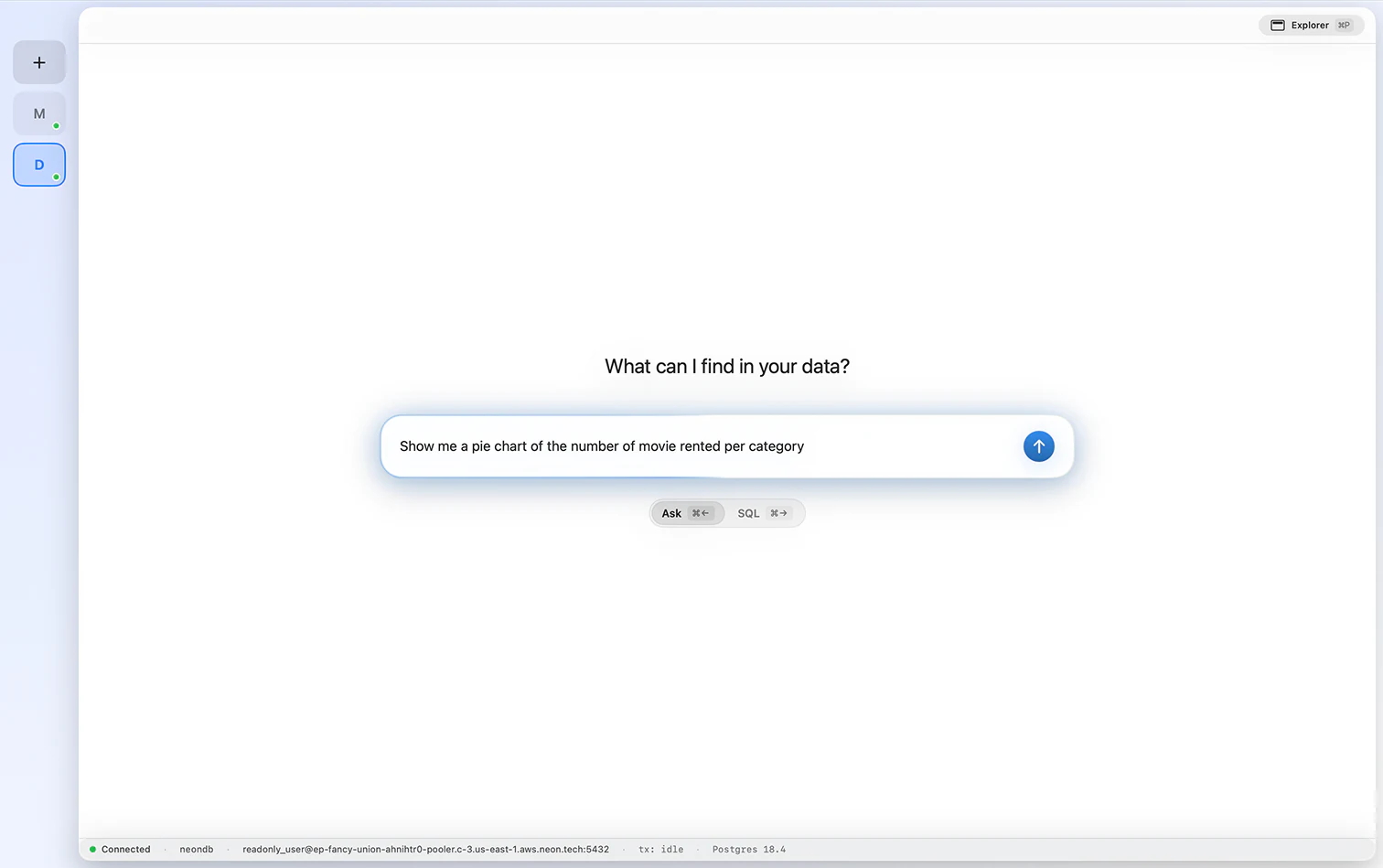
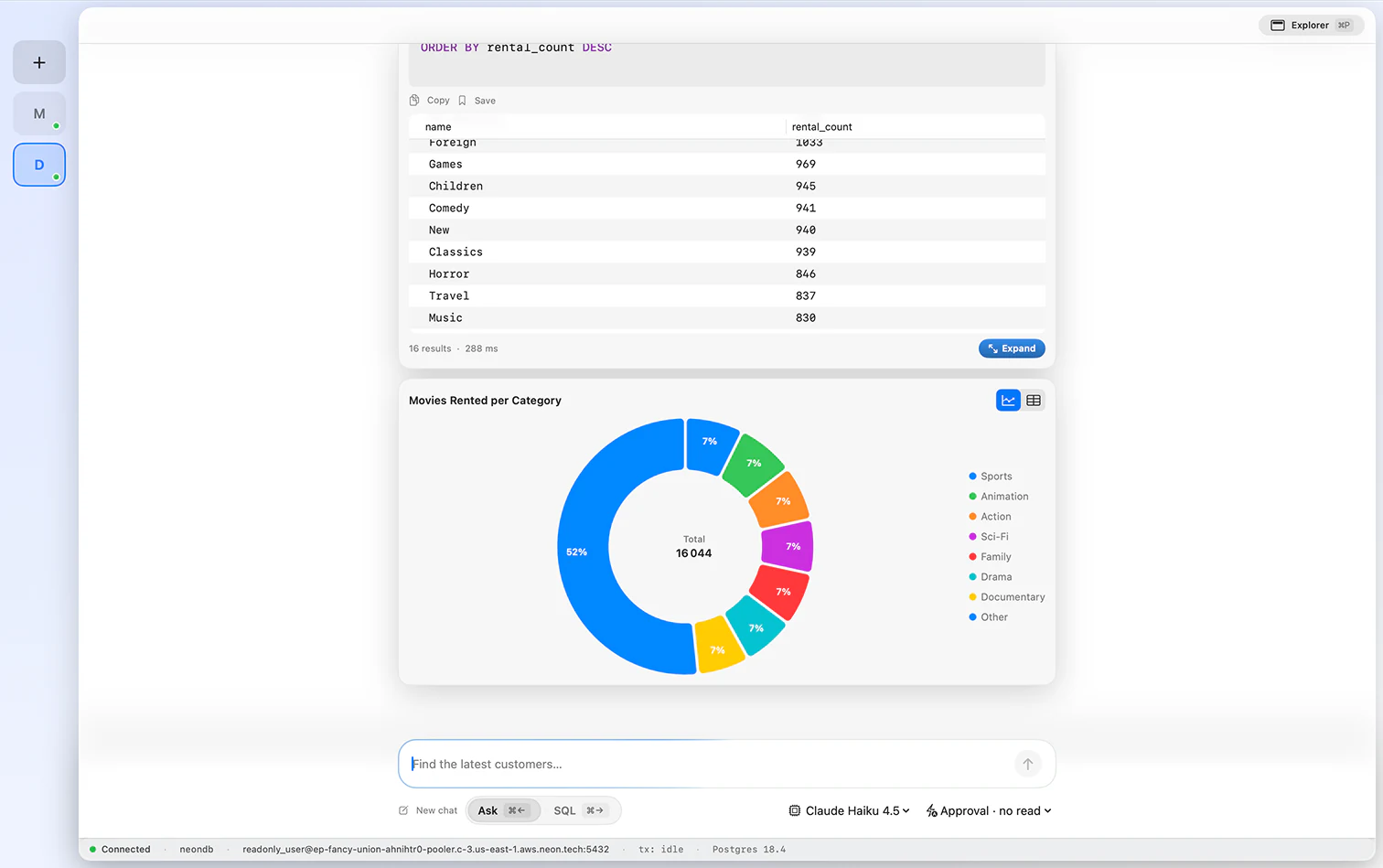
Say what you want to know and FluentDB drafts the query, runs it on your Postgres data, and plots the answer. Switch between a donut, a line, or the raw table in a click, and read the shape of your data without opening a spreadsheet.
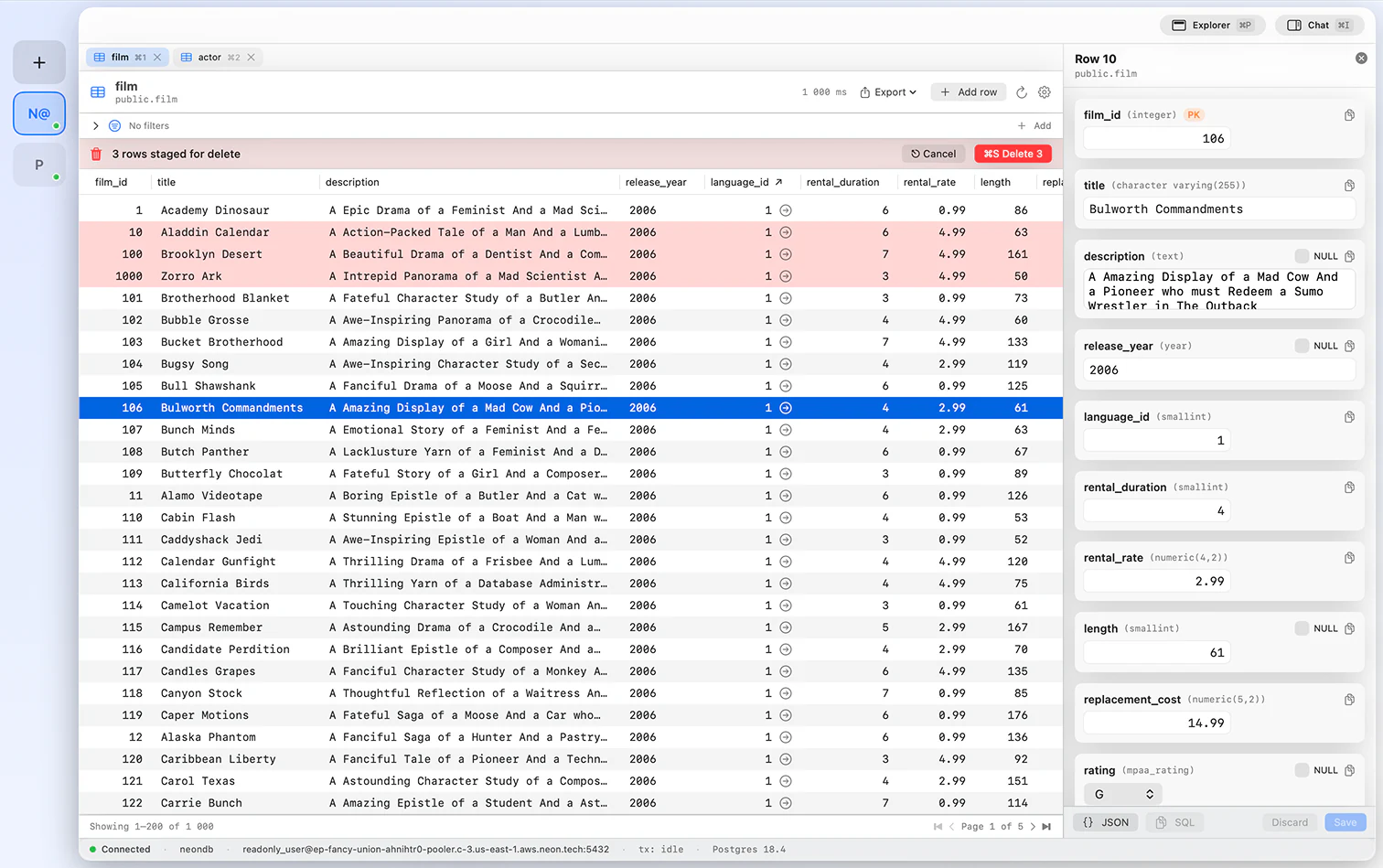
The grid is fast where it counts. Page through big tables without lag, change values in place, line up inserts and deletes before you commit, and open a record in a side panel to see every field at once.
Help is always one message away. Ask to tighten a filter, add a join, or explain a gnarly CTE, and the assistant edits the PostgreSQL right where you are working. Iterate until the query is exactly right.
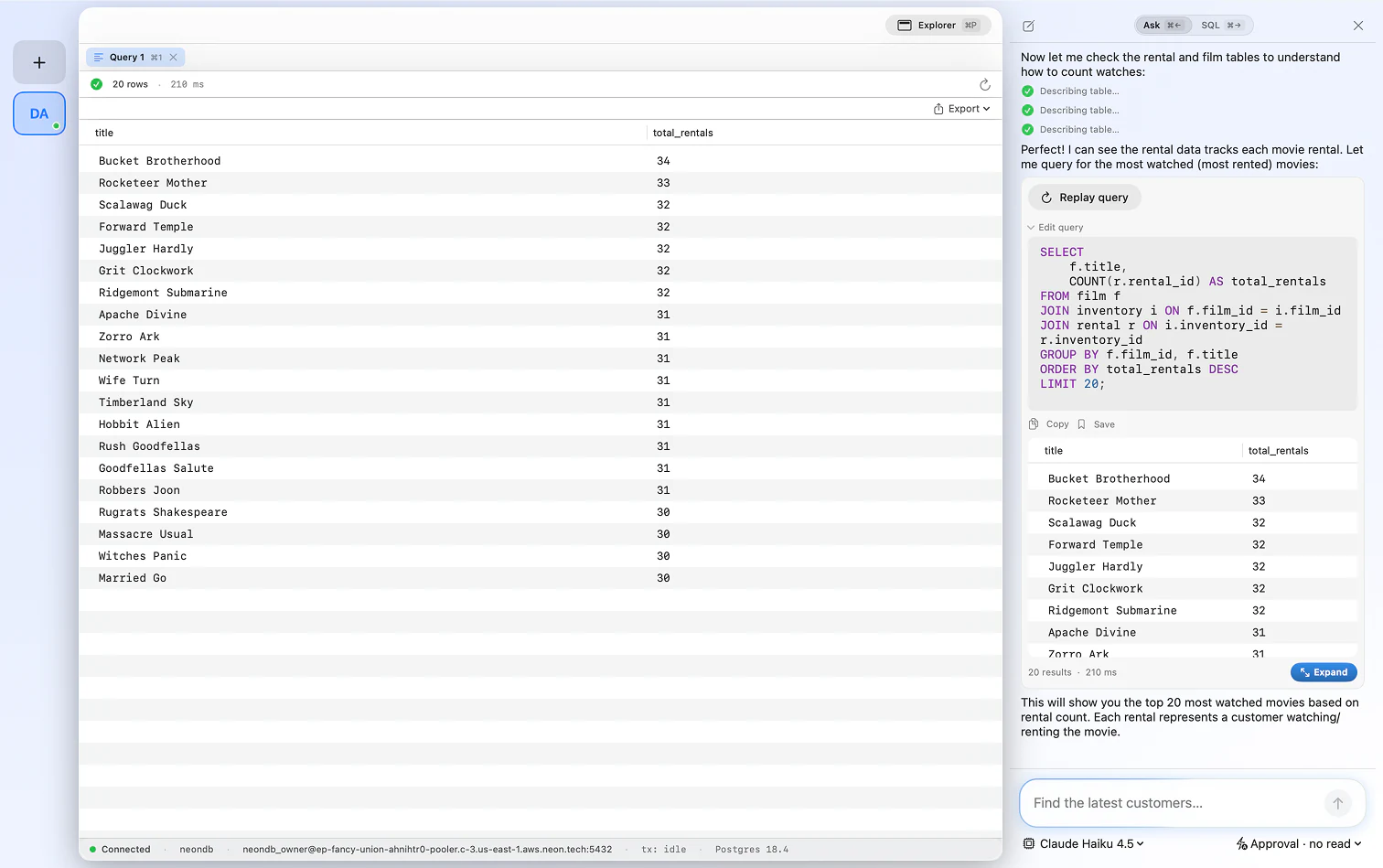
Wrote it by hand or generated it with AI, it makes no difference. Bookmark any query and recall it instantly later. Grow a personal library of the Postgres queries you lean on, instead of rebuilding them from memory.
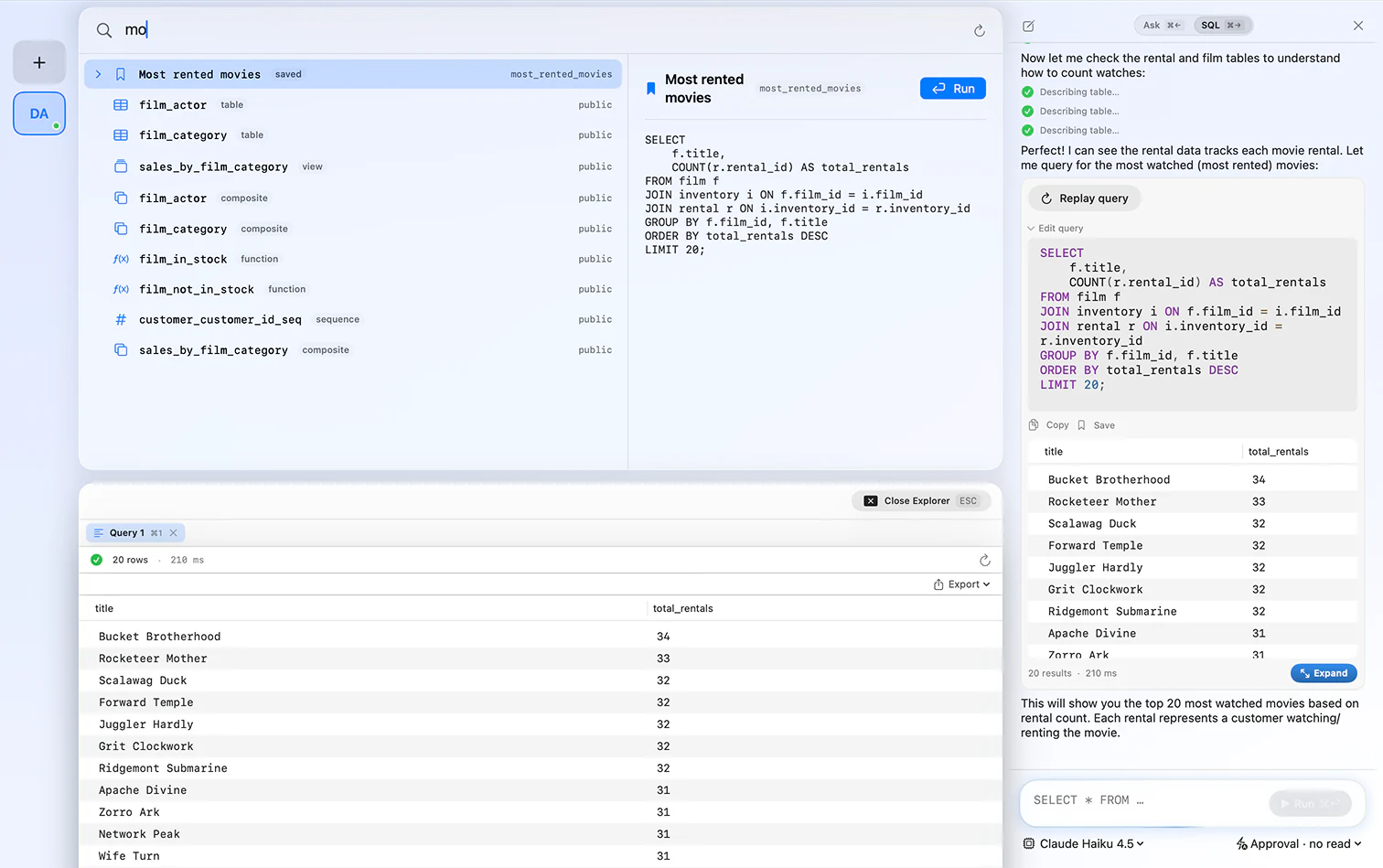
FluentDB connects to any PostgreSQL database, local or remote, including managed Postgres on Neon, Supabase, Amazon RDS, and Google Cloud SQL.
Yes. FluentDB is native to macOS and built for PostgreSQL first, with a schema-aware editor, inline editing, and an AI co-pilot that writes Postgres SQL for you.
Yes. FluentDB is a native PostgreSQL GUI for Mac, with a visual schema explorer, an editable data grid, and a schema-aware SQL editor. It gives you a fast, graphical way to browse and query Postgres instead of living in psql.
Yes. FluentDB connects to any PostgreSQL database, including managed Postgres like Neon, Supabase, Amazon RDS, and Google Cloud SQL, with optional SSH tunneling.
Yes. Ask in plain English and FluentDB writes SQL against your real schema, shows the query before it runs, and explains it. You can use Anthropic, OpenAI, or run a model locally with Ollama.
No. FluentDB is a one-time purchase from $54, with no subscription. Instead of a trial, you get a guarantee: if FluentDB has not replaced your current client within 14 days, we refund you, no questions asked.
Yes. Connections and credentials stay on your Mac in the Keychain, and by default the AI sees your schema, not your row data.
One database client, one payment, yours forever.
If FluentDB has not replaced your current client within 14 days, we refund you. No questions asked.