
AI co-pilot for MySQL
Describe what you need and get MySQL that references your real tables and columns.
A native Mac app for MySQL and MariaDB, with an AI co-pilot that writes SQL for you. Explore, query, and edit your MySQL data at native speed.
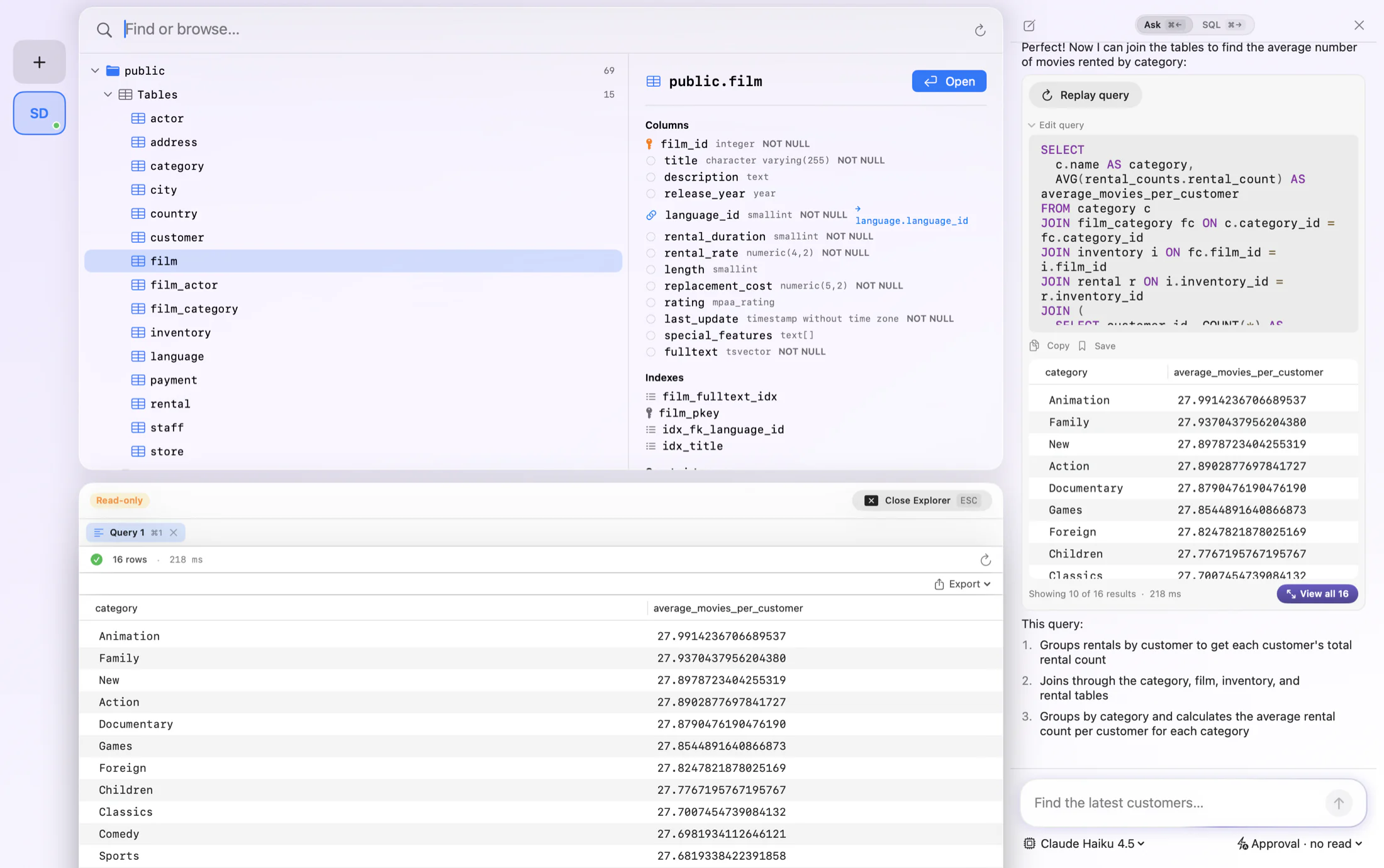
FluentDB gives MySQL a fast, native GUI on the Mac. Connect to your database, browse tables and indexes, and run queries in a polished editor that autocompletes from your live schema. It works with both MySQL and MariaDB, local or remote.
Stop hand-writing every JOIN. Ask FluentDB in plain English and it writes MySQL against your real tables, shows you the query, and explains what it does before anything runs. It is the MySQL client that helps you write the query, not just a blank editor.
Describe what you need and get MySQL that references your real tables and columns.
Autocomplete for your MySQL tables, columns, and joins, with highlighting and one-key formatting.
Edit rows in place, insert new ones, and write changes back to MySQL from the grid.
Connect to MySQL or MariaDB, self-hosted or managed, with the same native app.
Read-only connections and manual approval keep your production database safe.
Reach a MySQL server behind an SSH tunnel or bastion host.
FluentDB speaks MySQL natively. Here is some of what that looks like in practice.
FluentDB does not treat AI as a side feature. It is the starting point. Open your MySQL database and ask in plain words. The app knows your schema and writes MySQL that hits your actual tables, so you skip the boilerplate and get straight to the answer.
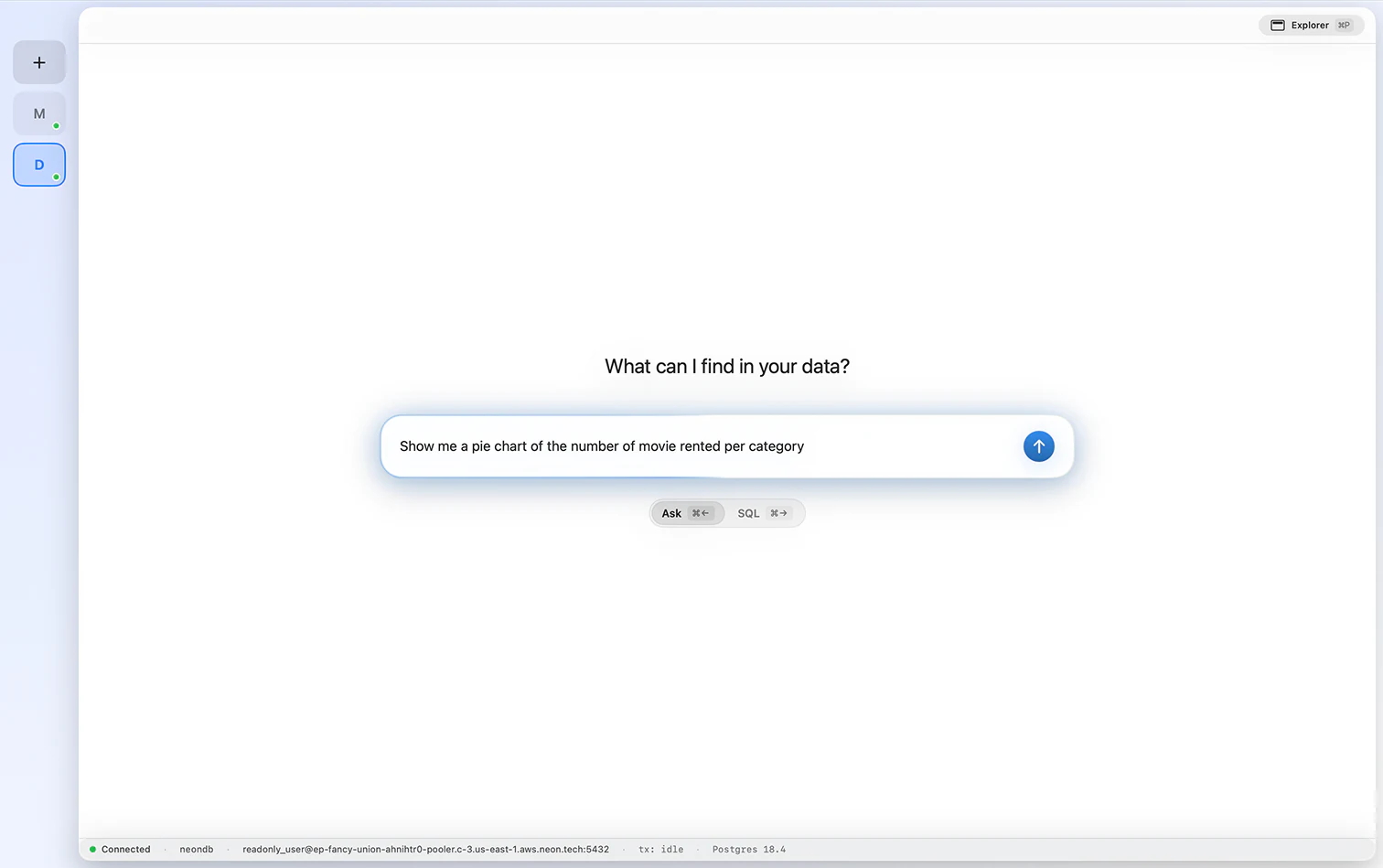
Ask a question and watch FluentDB compose the query, execute it on MySQL, and draw the result. Flip between pie, line, and table views on the spot, and understand your data at a glance with no exports.
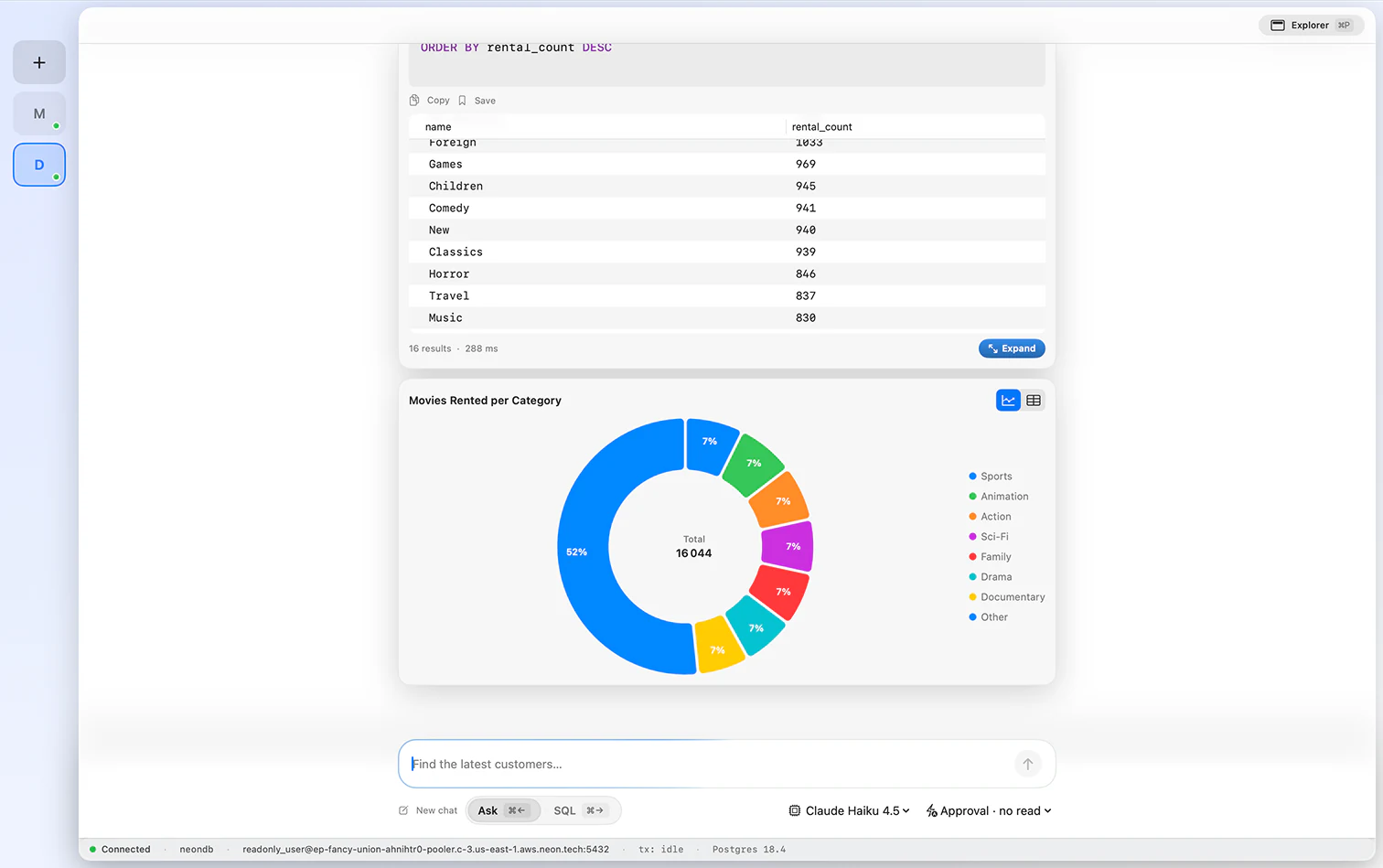
A native grid that keeps up with you. Scroll long tables smoothly, tweak cells inline, stage row inserts and deletes safely, and inspect a full row beside the results. Quick, clear, and never in the way.
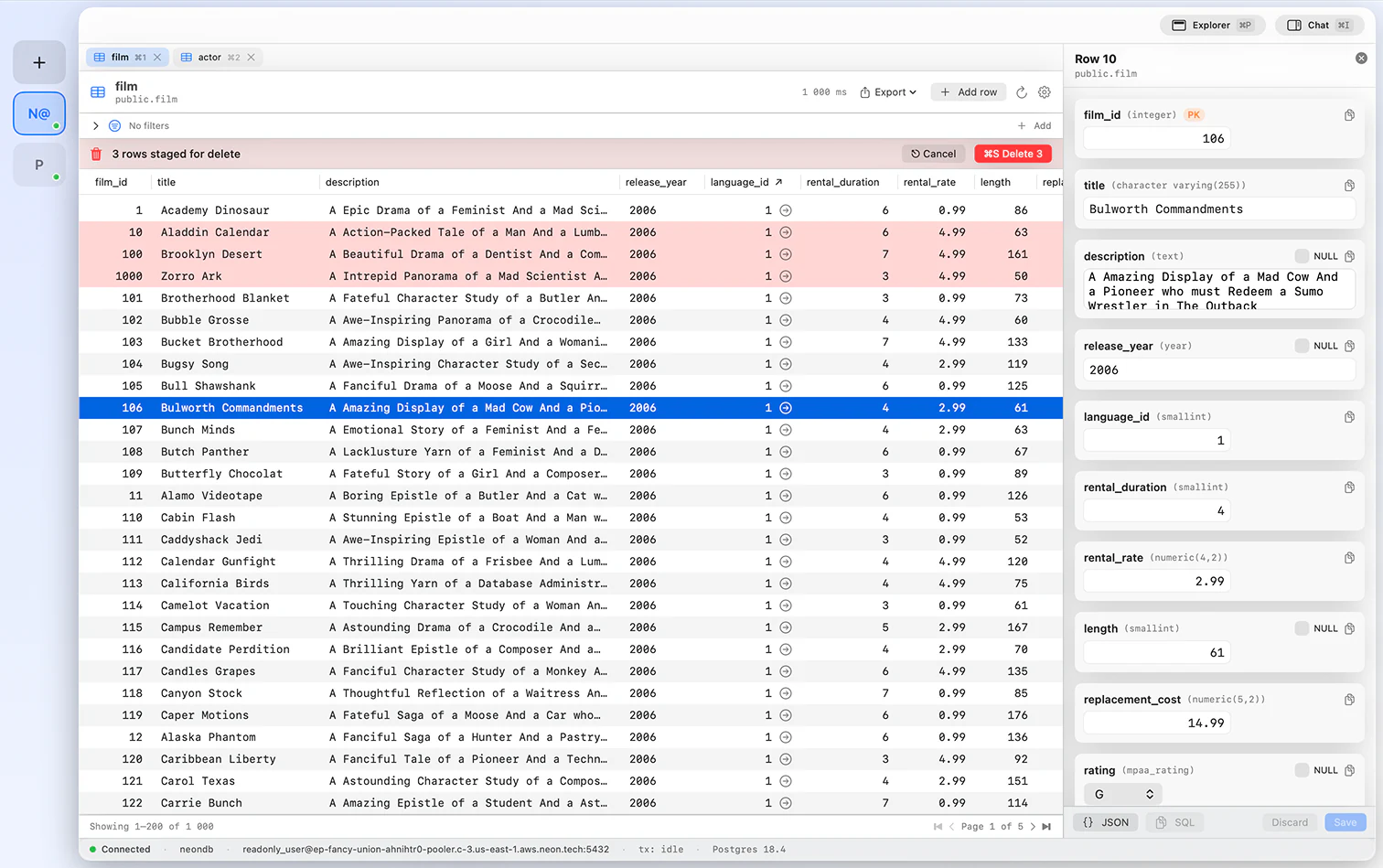
The assistant sticks around after the first draft. Tell it to add a condition, swap a join, or unpack what a query does, and it rewrites the MySQL in place. You are one prompt away from a sharper result.
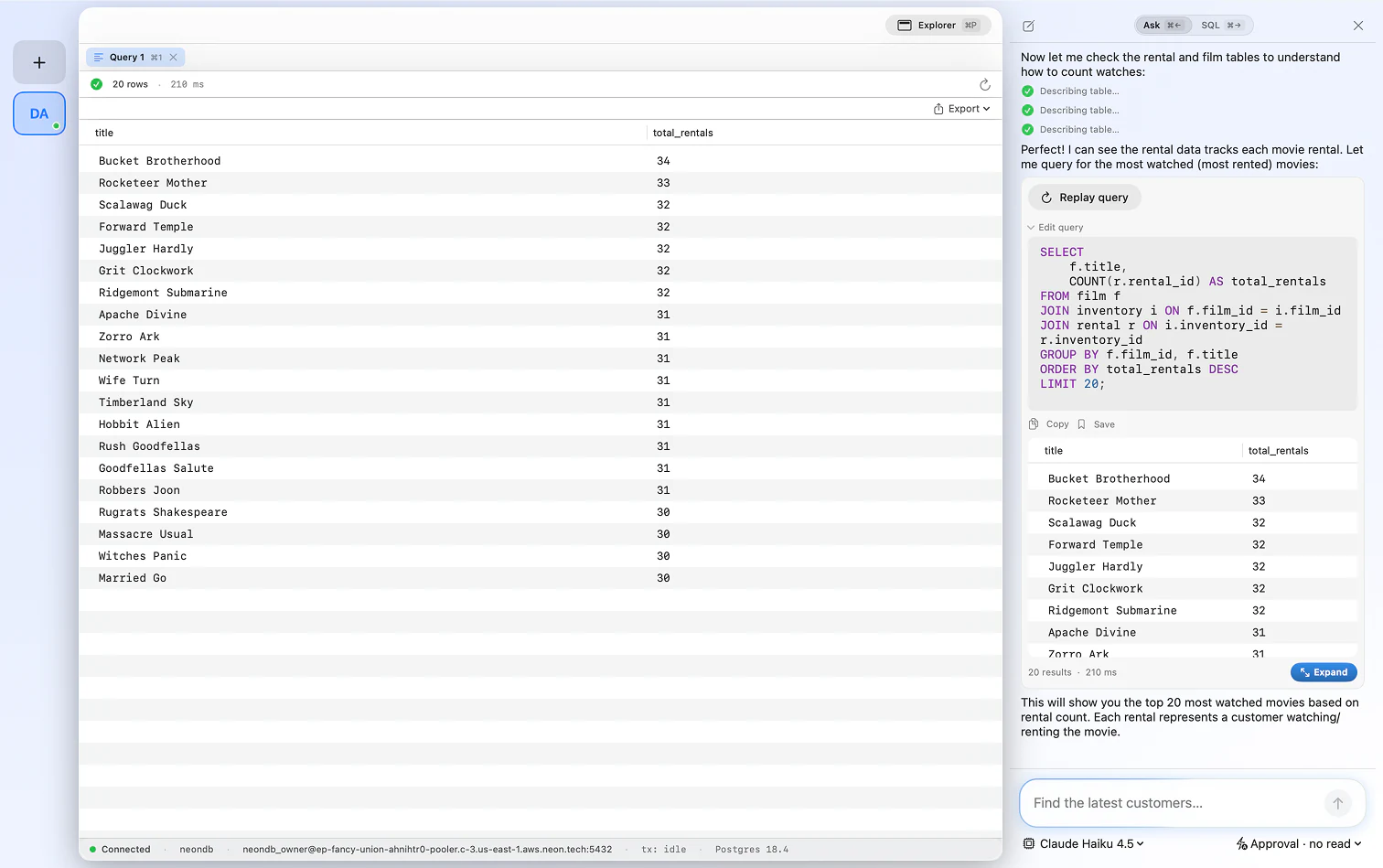
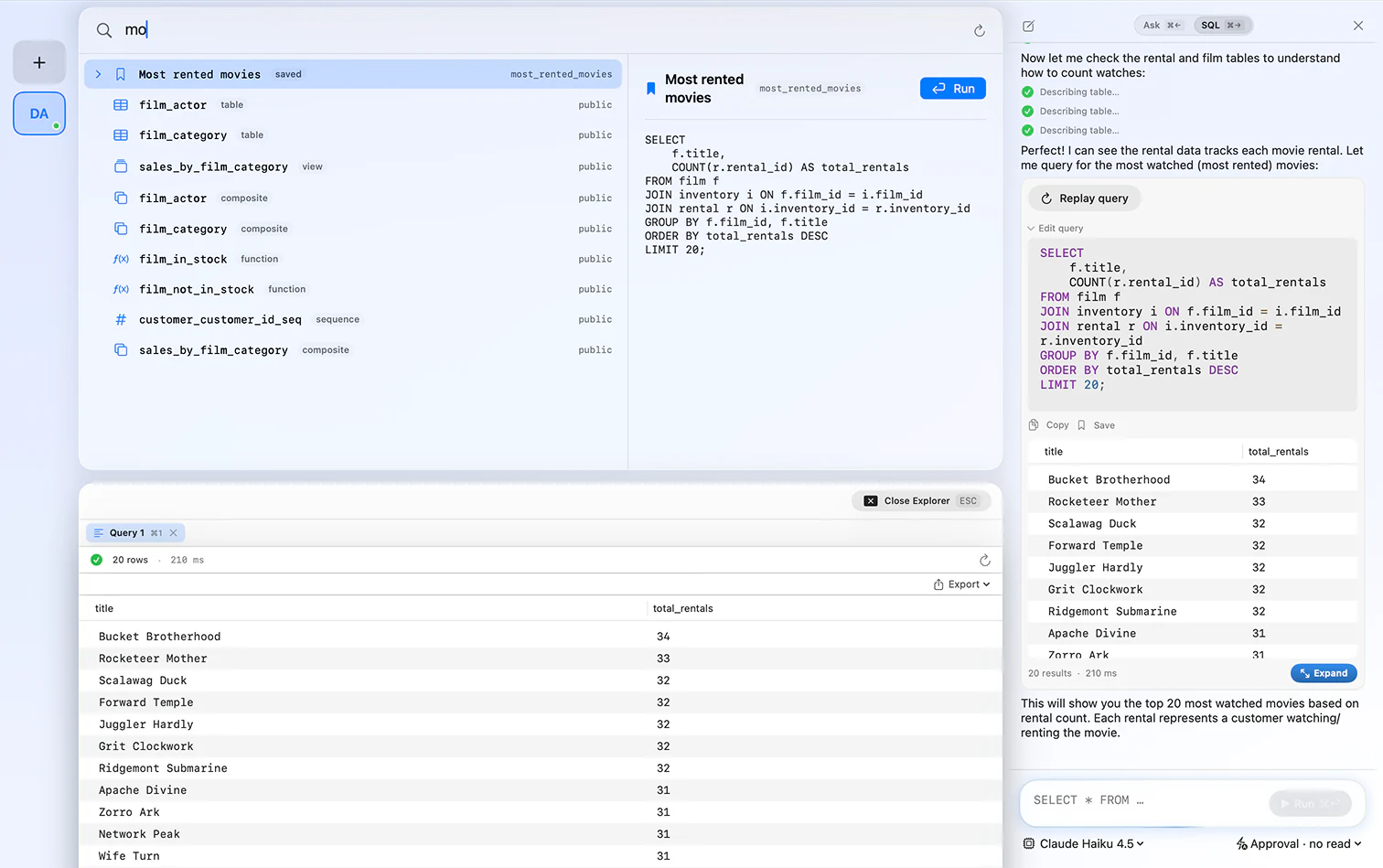
Typed the SQL yourself or had the AI generate it, either way you can pin it and bring it back in a keystroke. Assemble a set of go-to MySQL queries so you never write the same join twice.
FluentDB connects to any MySQL or MariaDB database, local or remote, including managed MySQL on PlanetScale, Amazon RDS, and more.
Yes. FluentDB is a native macOS app for MySQL with a schema-aware editor, inline editing, and an AI co-pilot that writes MySQL for you.
Yes. FluentDB is a native MySQL GUI for macOS and MariaDB, with a visual table browser, inline editing, and a schema-aware editor. It is a fast, graphical alternative to the MySQL command line or a heavier cross-platform tool.
Yes. FluentDB works with both MySQL and MariaDB using the same connection flow.
Yes. Ask in plain English and FluentDB writes MySQL against your real schema, shows the query first, and explains it. You can use Anthropic, OpenAI, or run a model locally with Ollama.
No. FluentDB is a one-time purchase from $54, with no subscription. Instead of a trial, you get a guarantee: if FluentDB has not replaced your current client within 14 days, we refund you, no questions asked.
Yes. Connections and credentials stay on your Mac in the Keychain, and by default the AI sees your schema, not your row data.
One database client, one payment, yours forever.
If FluentDB has not replaced your current client within 14 days, we refund you. No questions asked.