
AI-driven with strong guardrails
The only truly AI-first database client, wrapped in deep safety: guardrails that protect you from costly mistakes and keep your data from leaking.
Learn more
Connect to PostgreSQL, MySQL, SQLite, SQL Server and more.
Fast, Secure, AI-first.
The only truly AI-first database client, wrapped in deep safety: guardrails that protect you from costly mistakes and keep your data from leaking.
Learn moreA full SQL editor with schema-aware autocomplete, formatting, and instant results. Switch to AI mode in a snap, and save your queries.
Learn moreBrowse any table or view in a snap. Just hit ⌘P, search, and enter.
Learn moreScroll thousands of rows in a fast, fluid data grid that never stutters.
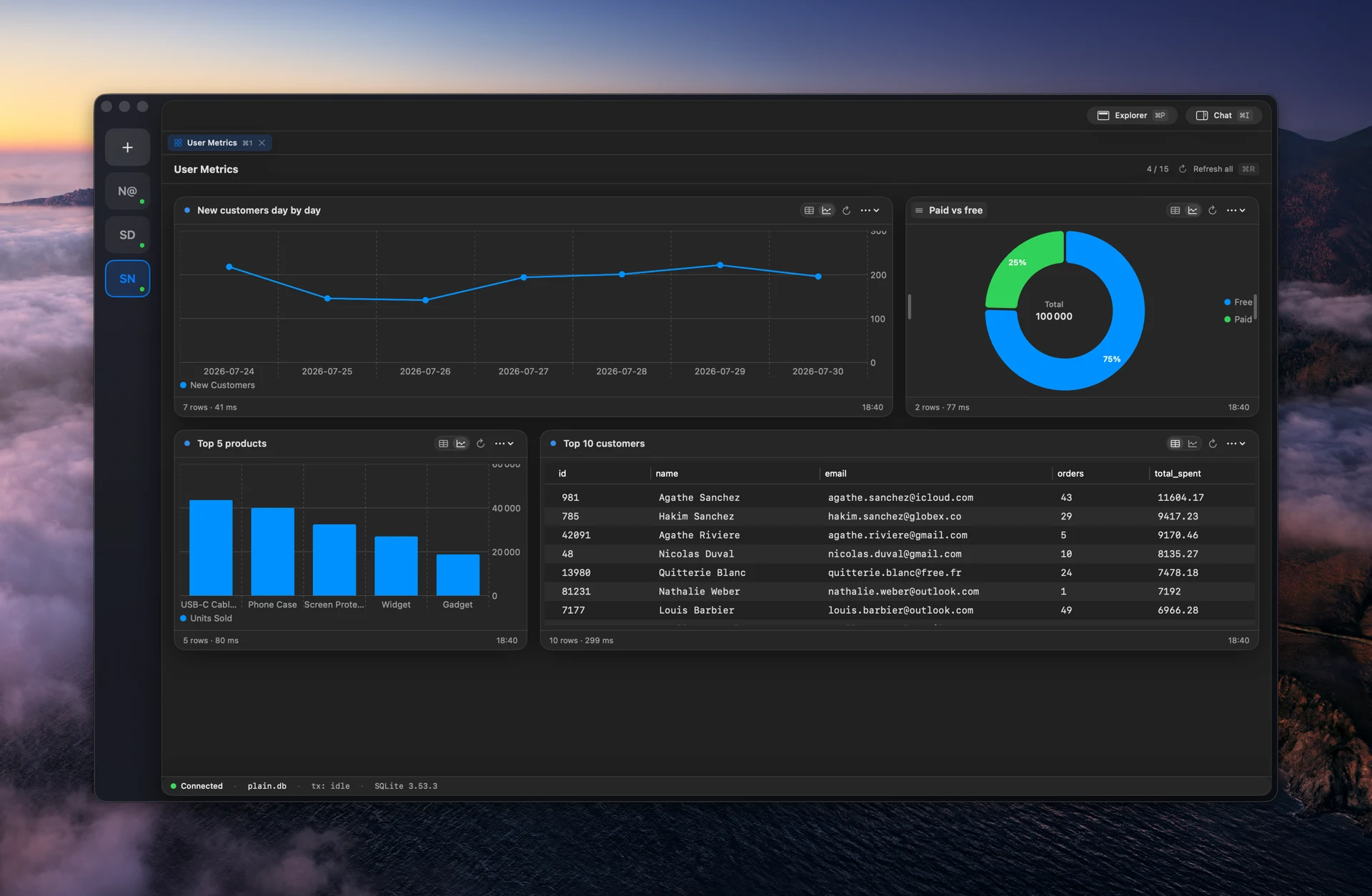
Learn moreLay out your queries as charts and tables on a board you can revisit anytime.
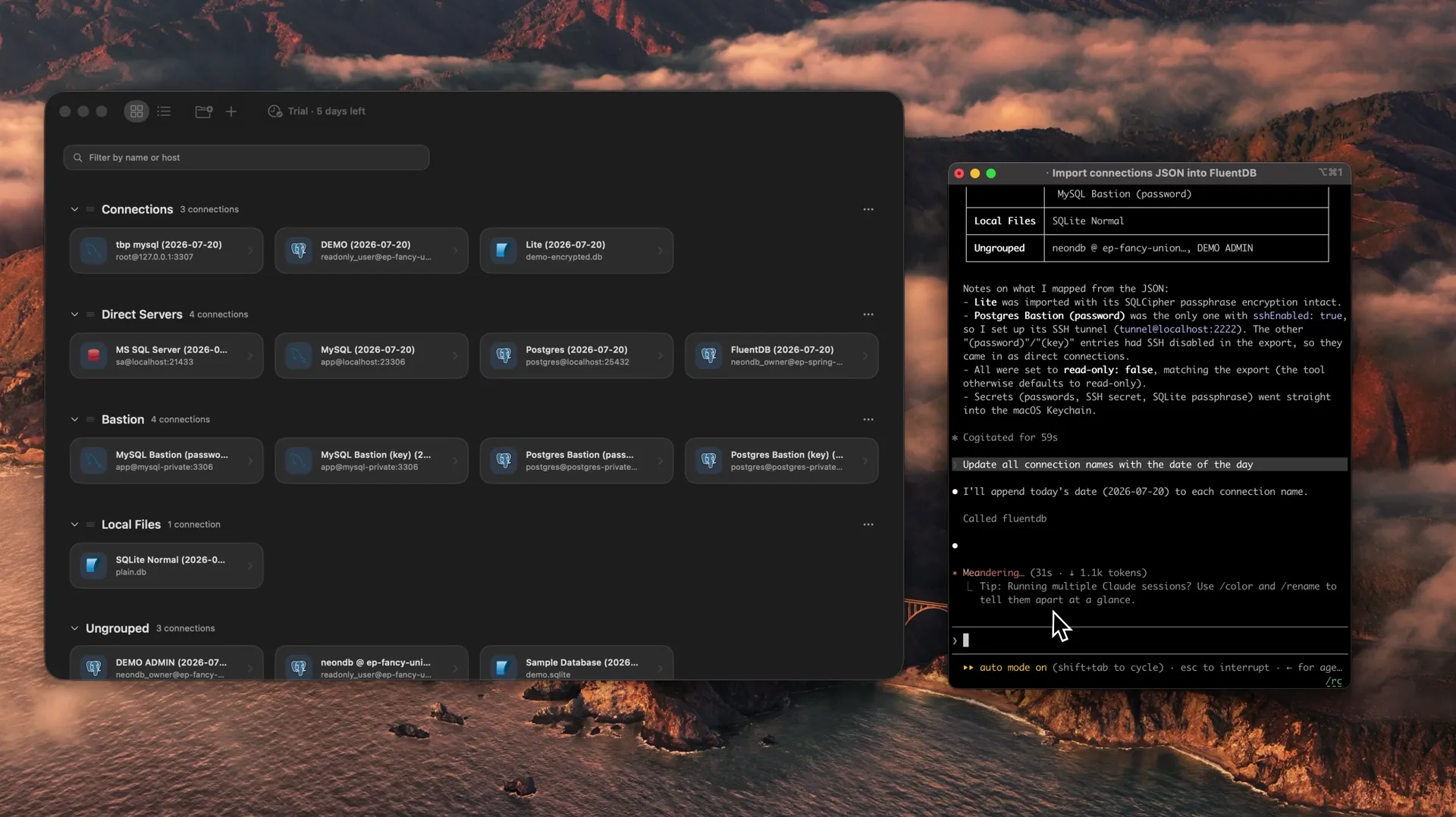
Connect your own AI agent over MCP to manage connections for you.
FluentDB has no model of its own. Point it at a provider you already trust with a key you control, or run one fully local. Your prompts go straight there, never through us.
Your Claude Code subscription or API key
Your Codex subscription or API key
Local models, on your own Mac
We are actively building all the following drivers, stay tuned!
FluentDB is a native macOS database client with a built-in AI co-pilot. Connect to PostgreSQL, MySQL, or SQLite, ask a question in plain English, and it writes SQL against your real schema, shows you the query before it runs, and explains what it does.
PostgreSQL, MySQL, and SQLite today, with ClickHouse and MongoDB in progress. You can request a driver and follow along on the roadmap.
No. FluentDB is a one-time purchase from $54, with no subscription. Instead of a trial, you get a guarantee: if FluentDB has not replaced your current client within 14 days, we refund you, no questions asked.
By default the AI reads your schema, not your row data. Connections and credentials stay on your Mac in the Keychain, and no account is required. You bring your own Anthropic or OpenAI key, or run a model locally with Ollama so nothing leaves your Mac.
Not yet. FluentDB is macOS only today, and built natively for Apple Silicon.
No. FluentDB is a one-time purchase and your license never expires. Every license includes a year of updates, and you can add an optional lifetime-updates license.
One database client, one payment, yours forever.
If FluentDB has not replaced your current client within 14 days, we refund you. No questions asked.